Validation verdicts
The AI check gives every draft one of three results (a verdict): clean, has-findings or blocked. The result decides what happens next.
The three results
clean
No problem above your blocking threshold. The message is sent. You do nothing.
has-findings (below threshold)
The check found only small problems (info / minor, or ones it is not sure enough about). The message is sent, and the problems are saved in the audit log for later. You can see trends for each template in the AI Cockpit → Validators tab.
blocked
At least one problem is above your threshold. The message is NOT sent. Depending on the template, it goes to the Refine button for you to decide, or to the autonomous loop.
What each problem shows
- Which check found it
- How serious it is:
info/minor/major/critical - How sure the check is, from 0 to 1
- The reason, in plain words
- The exact draft text that caused it
- Sometimes a suggested fix
Where you see the results
- On the draft itself: in the inbox reply box, the task drawer, the Pulse task tile and on your phone.
- Audit log: every result and problem is saved with the draft and whether it was sent.
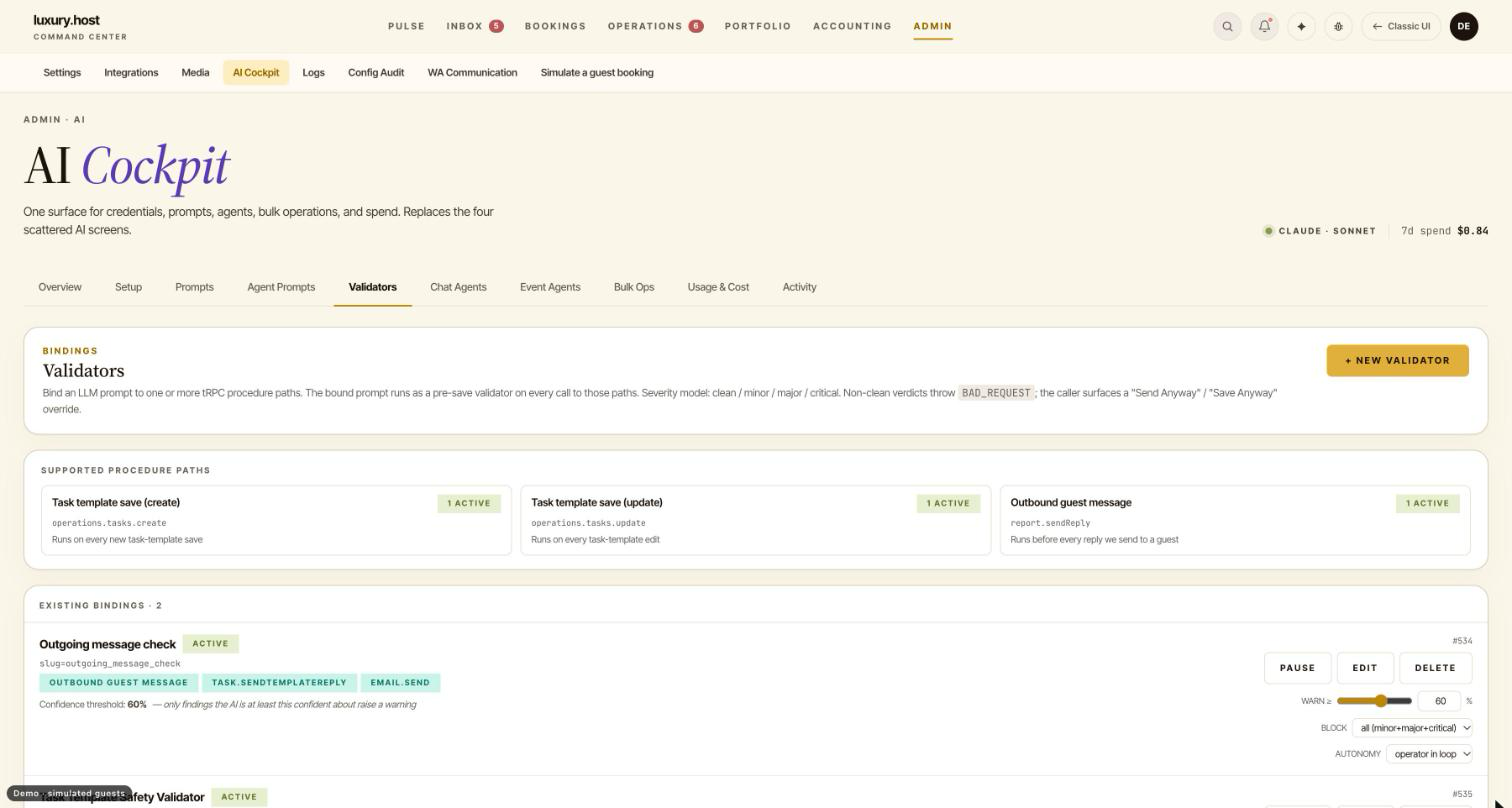
- AI Cockpit → Validators: numbers for each check: how often it runs, blocks, is overruled, and is marked as a false alarm.
The same draft gets the same result
For a few minutes, the same draft in the same conversation gets the same result. So a blocked message cannot pass just by being checked again and again. See Autonomous refine.
Marking a false alarm
In the audit log, you can mark a problem as a false positive and give a one-sentence reason. This helps tune how sure the check must be, and shows on the check's numbers page, so the team can see which checks need improving.