Login
How to log in
Open the app address (https://app.luxury.host/) in any modern browser. You will see the login screen.
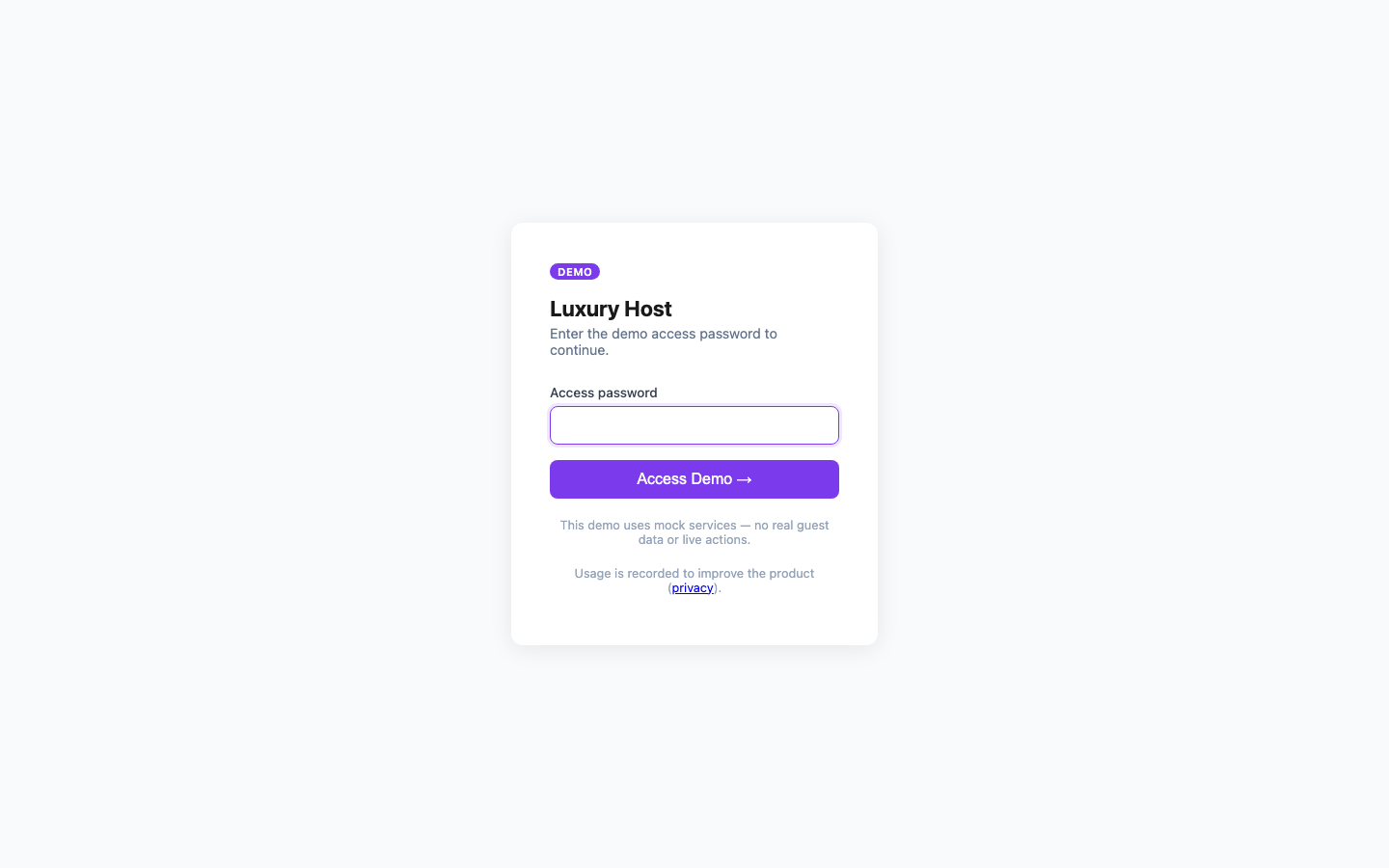
Ways to sign in
- Email + password: the normal way for staff. Enter your work email and the password your admin gave you.
- OAuth (sign in with another account, for example Google): if your admin turned it on for your account, the Continue with… button takes you to that sign-in page.
After you sign in
You land on Pulse (/pulse), your home screen. You stay signed in until you sign out, or until your sign-in expires after a while. If it expires while you are working, you go back to the login screen with the message "Your session has ended, please sign in again."
Too many attempts
You can try to sign in 5 attempts per IP per 10 minutes (IP means your internet connection). If you reach the limit, wait. Opening more browser tabs does not give you more tries.
Forgot your password
You can't reset your password yourself yet. Ask your account admin. They can set a new password for you in the admin user editor.
Unauthorized page
If your account is turned off, or your role does not allow a page, you see an Unauthorized screen instead of the page.
The fix is always one of these: "have my admin re-grant the role" or "sign in to the correct account". The screen shows the address you tried to open, so your admin knows what to allow.
Roles at a glance
| Role | Sees | Can change |
|---|---|---|
admin (account) |
Everything in your account | Everything in your account |
superadmin |
Platform staff: all accounts | Everything, plus account settings |
host |
Properties they're assigned to, tasks sent to them | Mark tasks done, reply to guests |
cleaner |
Their list of upcoming cleanings | Send photos & status via WhatsApp |
viewer (read-only) |
Some reports | Nothing |
You set roles under Team & Account → Edit Teammate. See Team & Access → Teammates.
Troubleshooting
- "Property not found" on every page: you are probably signed in to the wrong account. Sign out and sign in with the right one.
- OAuth button does nothing: sign-in with another account is not set up for your account yet. Ask your admin.
- Login succeeds but Pulse is empty: you probably have no properties or reservations yet. Start with Properties → Configuration.