Communications
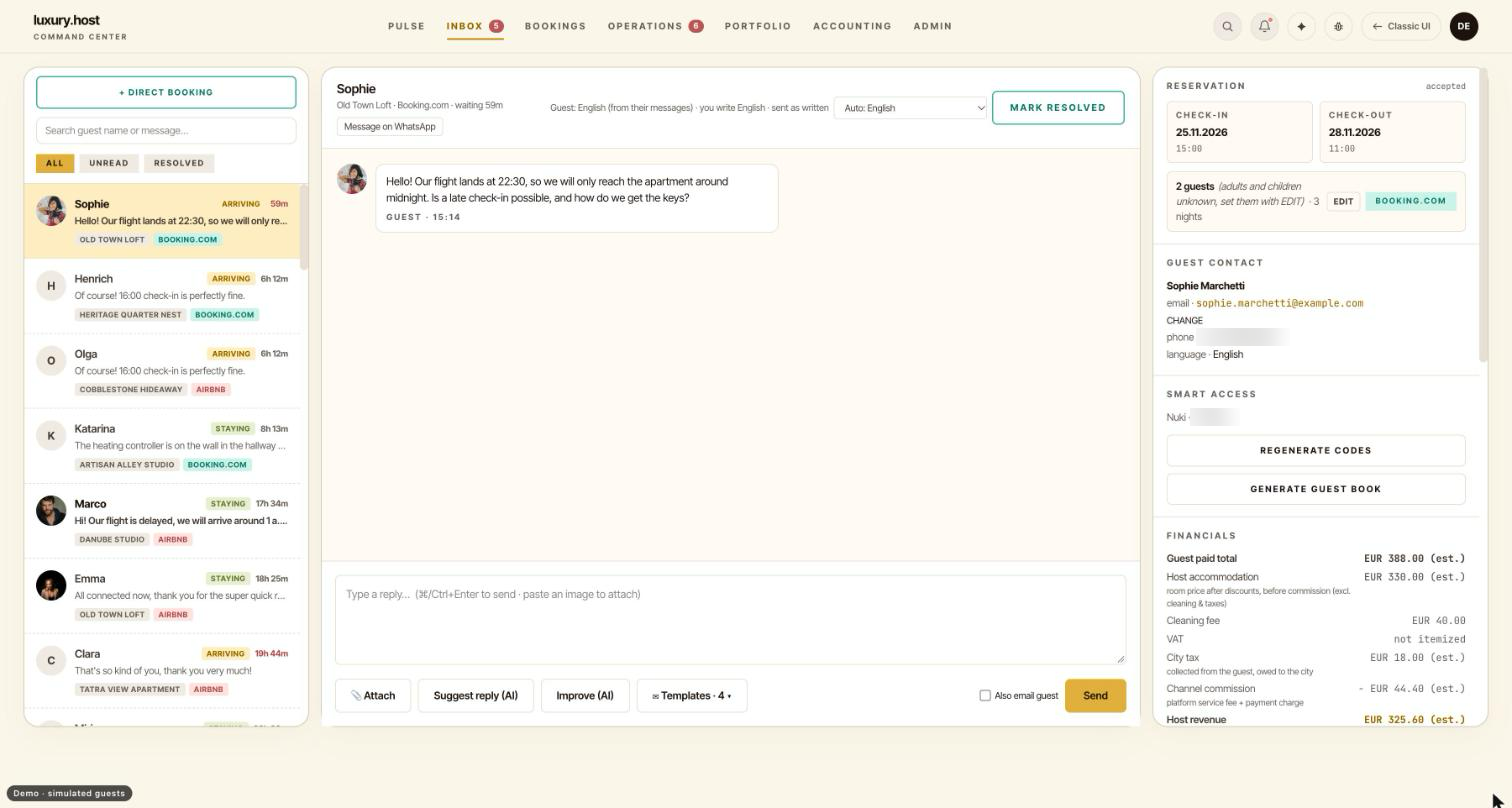 This section explains how the app talks to guests, cleaners, hosts and you. Almost all of it runs on WhatsApp.
In this section
- WhatsApp Bot: the bot that answers incoming messages, routing rules, the 24h window
- AI Suggest: replies to guest messages drafted by the AI
- Languages: how the app decides which language to write in
- FAQ Knowledge Base: the answers you write, which the AI uses in its drafts
The three communication channels
| Channel | Direction | Used for |
|---|---|---|
| in and out | Main channel. Guests, teammates, notifications to you | |
| In-app messaging | internal | Notes between teammates, AI drafts before they are sent |
| out only | Invoices, owner statements (sent from your own mail server; see Settings) |
Updates from booking channels (Hospitable, Beds24) are not messages. They are booking data. They can start a message, for example a check-in message for a new booking.
The 24-hour WhatsApp window
Meta's rule: you can send a free-text WhatsApp message only to a number that wrote to you in the last 24 hours. After that, you must use a pre-approved template.
The app handles this for you:
- Window open: it sends free text or an interactive template, whichever fits.
- Window closed: it uses an approved WhatsApp template.
If neither works (no number that agreed to messages, no approved template for this case, or an error from Meta), the app records the failure and shows it in the Activity Log. If Meta accepts a message outside the window but never delivers it, the app sends it again as a template. It does not mark it done.
What happens when a guest writes
- The guest sends a WhatsApp message.
- The app checks the message really comes from WhatsApp for your account, then saves it.
- The AI detects the guest's language and saves it on the booking.
- The AI reads the guest's mood and the type of message, and saves the mood on the booking.
- Tasks that depend on the guest's mood are checked again (for example a thank-you message).
- AI Suggest drafts a reply, if it is turned on for this template.
- The message and the draft show on Pulse and the WA Comm screen for you.
Your WhatsApp phone-number ID must be filled in, or incoming messages cannot reach your account. You add it once in Settings. Only admins can change it. It is under Settings → Integrations.