Task Templates
Actions
An action is what runs when a task is done (by you or automatically). You pick it in the editor. Below are the common ones.
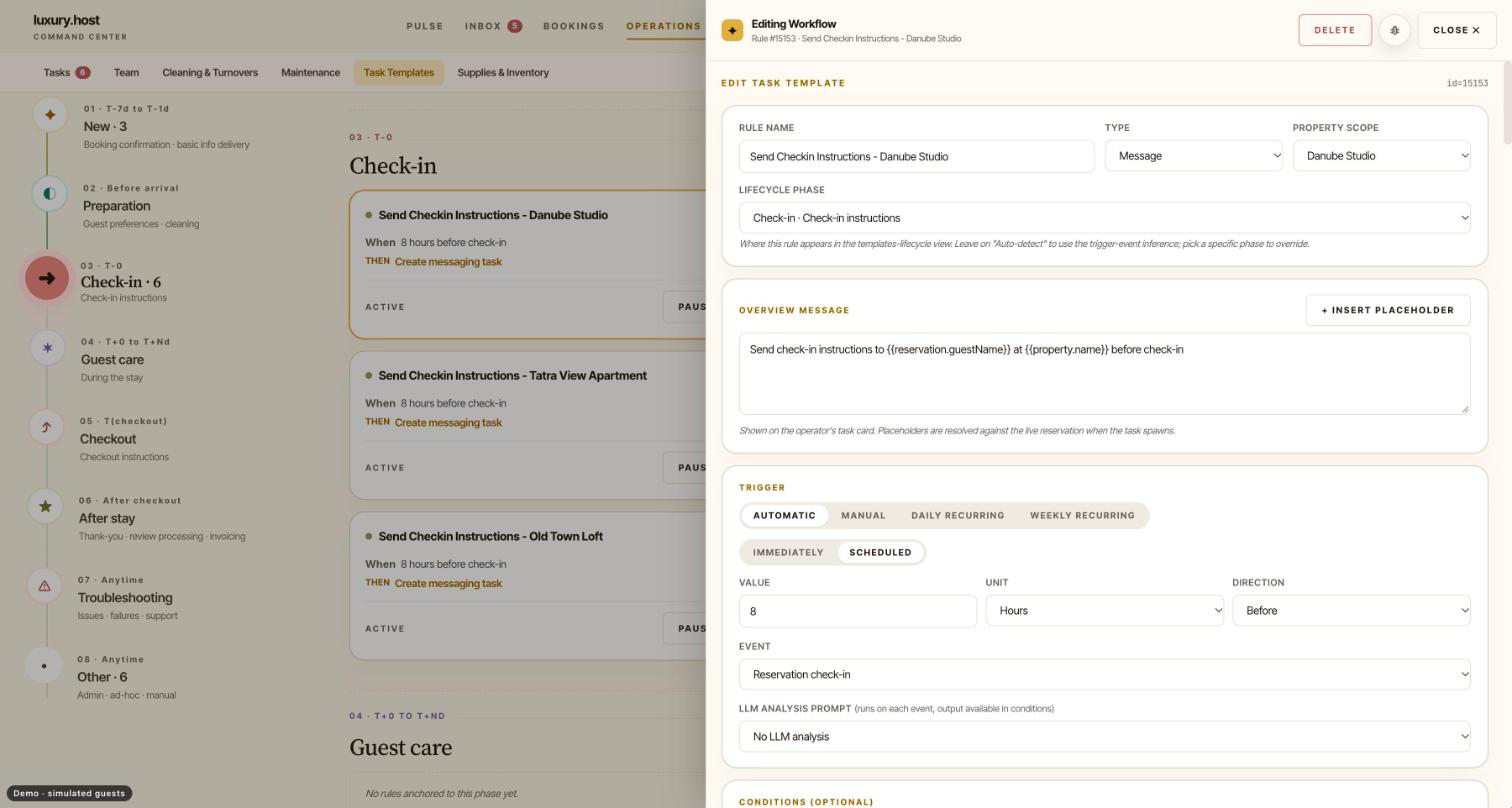
Common actions
Messages
| Action | What it does |
|---|---|
whatsapp.sendTemplate |
Sends an approved WhatsApp template to the guest's phone |
whatsapp.sendFreeText |
Sends a free-text WhatsApp message (only inside the 24h window) |
whatsapp.sendInteractiveButtons |
Sends a template with up to 3 reply buttons |
report.sendReply |
The AI drafts a reply to the guest's latest message and sends it |
report.sendOperatorNotification |
Sends a WhatsApp notification to you |
Smart lock
| Action | What it does |
|---|---|
nuki.generateCode |
Creates a Nuki PIN for the booking and saves it on the guest |
nuki.revokeCode |
Removes a Nuki PIN |
nuki.regenerateCode |
Removes the PIN and creates a new one (use only for guests ≥30 days past; see Access Codes Safety) |
Guidebook & documents
| Action | What it does |
|---|---|
guidebook.generate |
Makes the guidebook PDF for the stay and saves it |
guidebook.send |
Sends the guidebook link to the guest |
invoice.generate |
Makes an invoice PDF |
invoice.email |
Emails an invoice to the guest |
Operations
| Action | What it does |
|---|---|
cleaner.assign |
Assigns a cleaner to the booking's cleaning task (if the cleaner was removed by hand, the assignment is skipped and you see why) |
task.complete |
Marks another task done (when one task must wait for another) |
task.snooze |
Moves the due time later |
reservation.flag |
Marks a booking for follow-up (for example disputed, vip) |
Action settings
Each action has its own settings. The editor shows a form field for each setting you need, and hides settings only the app uses. If you see a setting that looks technical or makes no sense, contact support.
Source: the luxury.host operator manual.