Per-property message templates
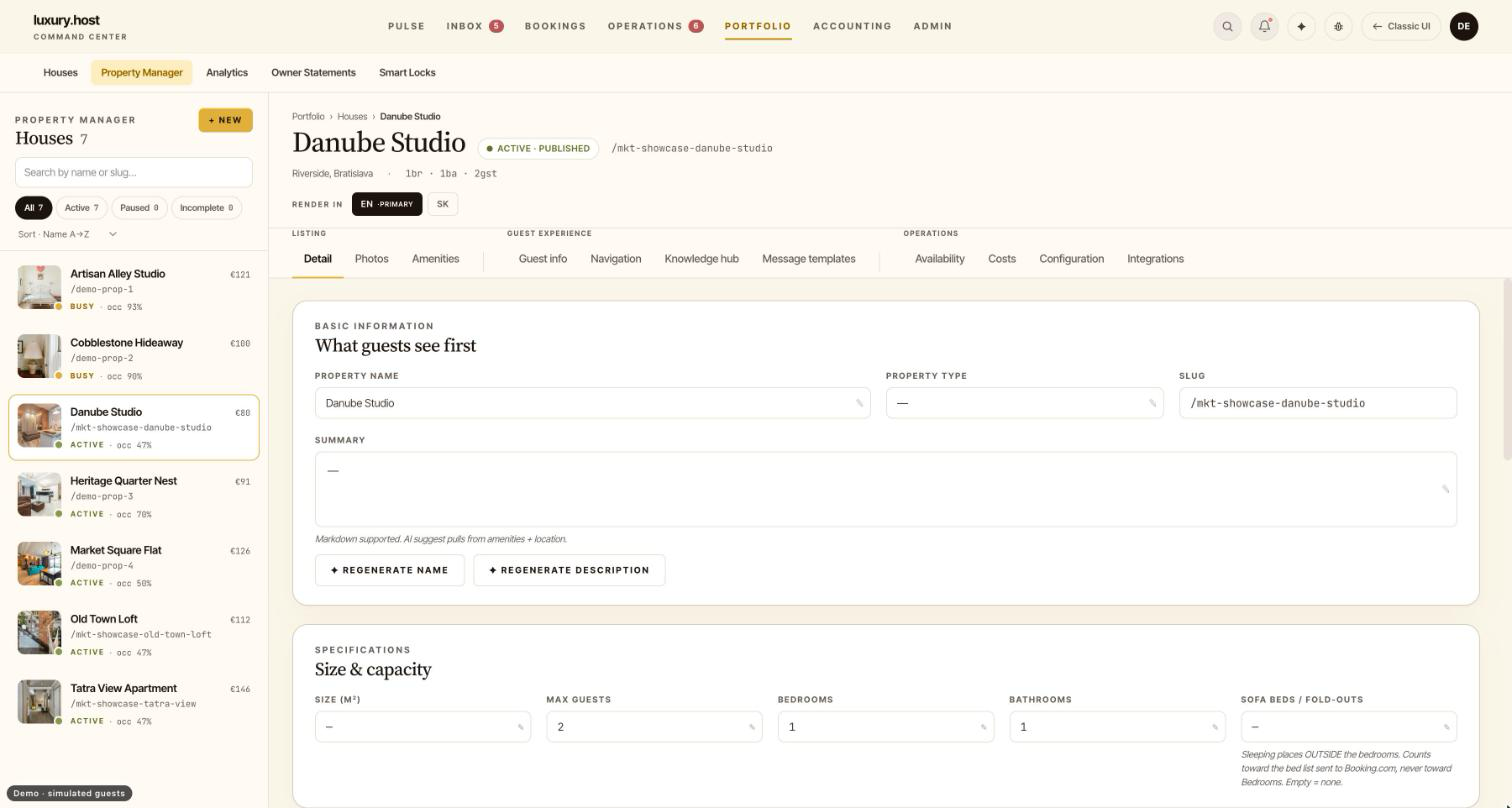
Each flat has its own message texts. For example, Danube Studio can get a different check-in message than Old Town Loft. You change one flat without touching the others.
Why one text per flat
Flats are different, so one text for all of them does not fit:
- The door PIN is given in a different way
- Parking is different (garage, street, or both)
- WiFi login details are different
- Getting into the building is different (intercom code, lift card, gate bell)
With a text per flat, each flat says exactly what is true for it.
Where to edit
Open Property Manager, pick the property, then open the Message templates tab.
On this tab:
- You see only the templates of that flat.
- Each template has a Slovak text and an English text.
- You change one flat's check-in message without touching the other flats.
To write a template, see the Message Templates editor.
A flat with no templates
A new flat has no templates yet. The tab says so. Click ⬇ LIBRARY to install ready-made messages, or click + NEW TEMPLATE to write your own. Each flat keeps its own texts.
The template picker in the Inbox
In a thread, the Templates button (it also shows how many templates there are) lists the templates of the flat in that booking.
If that flat has no templates, the button says No templates and shows how many templates other flats have.