Reports
Reports
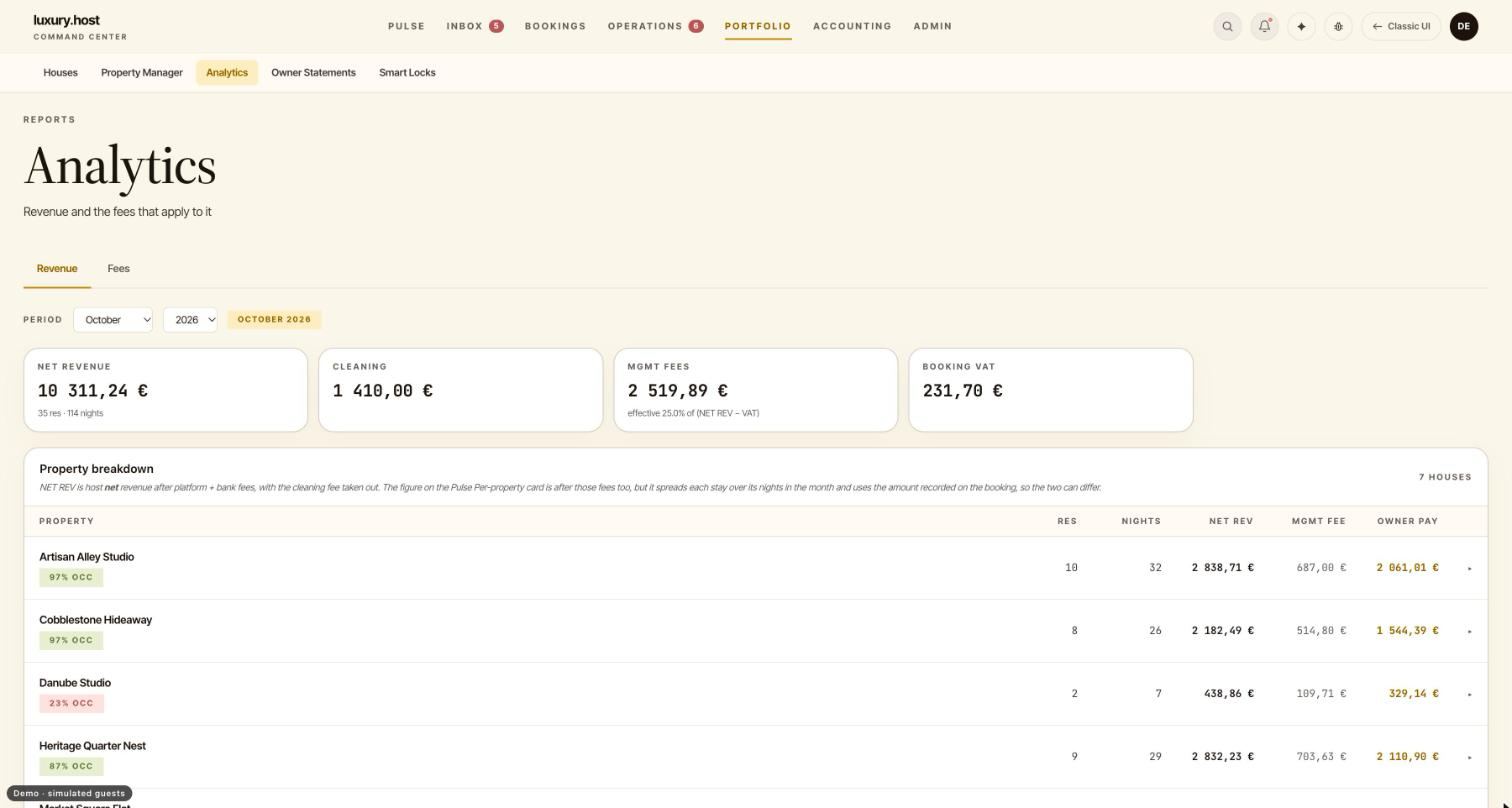
The numbers about your business (revenue and fees) are on the Analytics screen. To open it, go to Portfolio → Analytics.
In this section
- Revenue Report: revenue for each property (the Revenue tab)
- Fees: the cleaning and management fees the app uses (the Fees tab)
The Analytics screen
The Analytics screen has two tabs: Revenue and Fees. The Revenue tab is open when you arrive. You only see data from the account you are logged into.
Choosing a period
On the Revenue tab, pick a month, or All Year, and pick a year. The numbers on the page change to match.
Where to find the other numbers
- Payouts: open Accounting → Payments & Payouts and use Generate payout report.
- Bookings: open Bookings → Reservations.
- Guest messages: open Inbox.
Source: the luxury.host operator manual.