Admin
Activity Log
The Activity Log is a record of every important thing the app or a person did: task created, task run, message sent, code made, teammate edited.
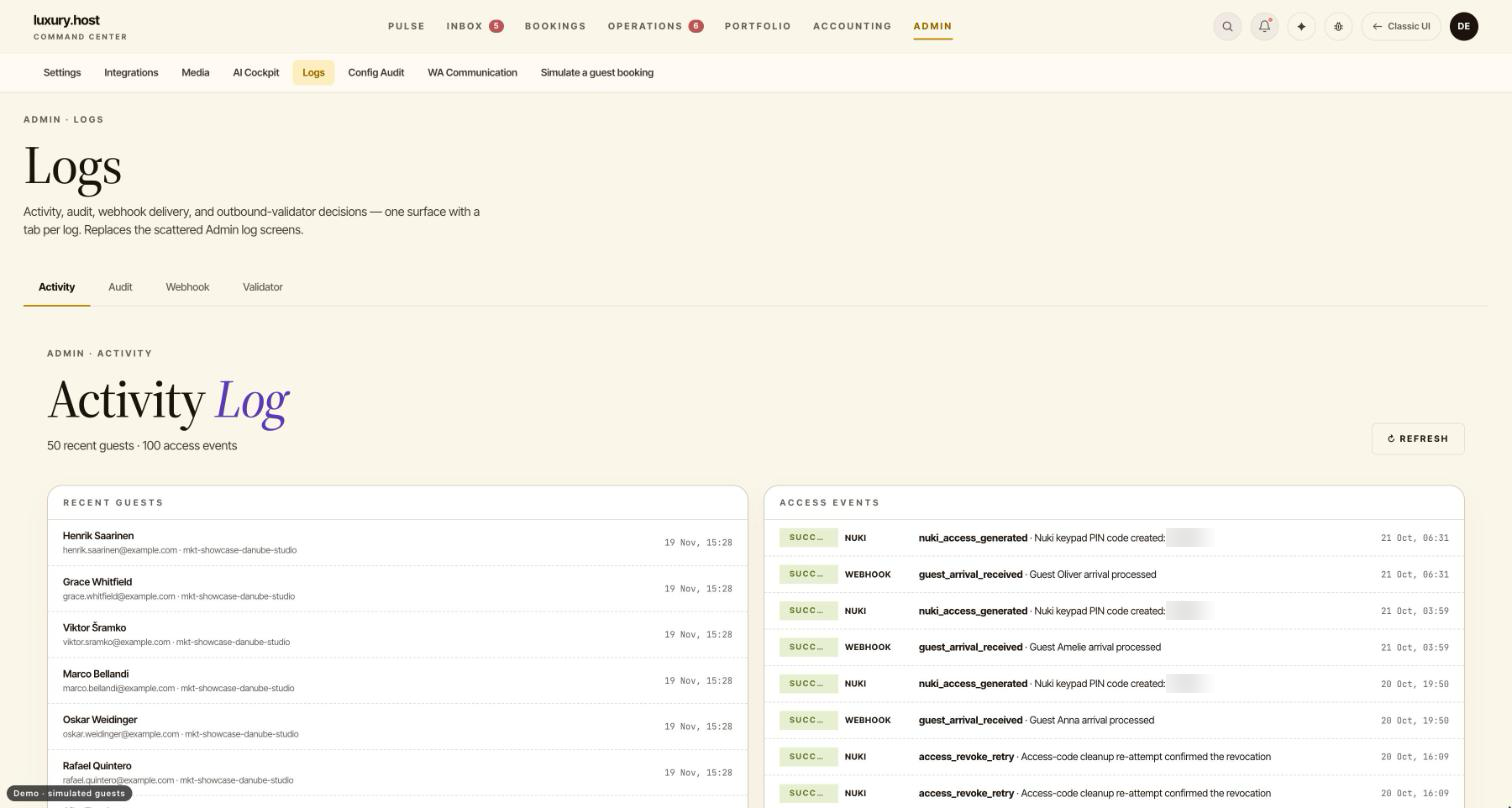
What it records
- System actions: task created, task run on schedule, automatic check done, Nuki PIN made, WhatsApp message sent.
- Operator actions: login, teammate edit, task started by hand, payout marked paid.
- Skipped actions: the app did not do something, and it records why.
Columns
- Timestamp
- Actor: the app (system) or the person's name
- Action: what happened (for example
task.created,whatsapp.sent,nuki.codeGenerated) - Target: what it happened to (task ID, reservation ID, teammate ID)
- Result:
ok/failed/skipped - Details: more information about what happened
Filters
- Actor
- Action type
- Target entity
- Date range
- Result
Checking what happened to a task
A guest says they did not get a message, and you want to know if it was sent:
- Find the task ID (in Operations Tasks or on the booking page).
- Filter the Activity Log by Target =
task:<id>. - Read every row in time order.
- The last row should be
whatsapp.sentwithresult: ok. If it saysresult: skipped, the reason is in Details.
Skipped actions are recorded
When the app stops an action (for example it did not send a WhatsApp reply because the guest opted out), the Activity Log shows:
result: skippedreason: "guest_opted_out"(or the reason the action gave)
A skipped action is never hidden. The task shows failed with the reason, not a false done.
Source: the luxury.host operator manual.