Auto-refine drafts
For each message type, choose: I approve every draft, the AI fixes and sends, or the AI fixes and waits for me.
The app writes draft replies for many guest messages (AI Suggest, send-message tasks and more). Some drafts are fine as they are. Some need a second look before they go out.
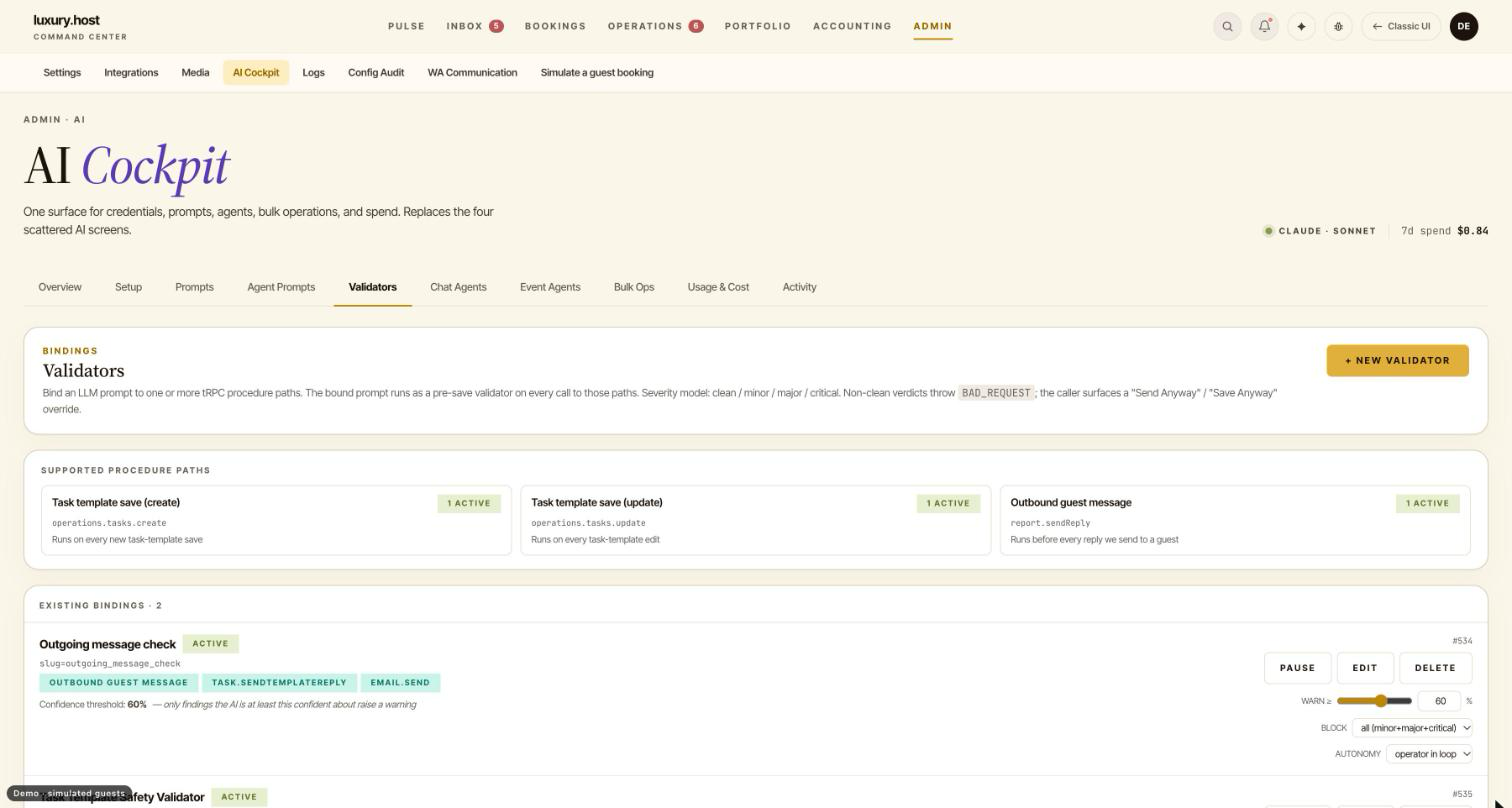
Auto-refine is your setting, for each template, that decides whether a flagged draft goes out by itself or waits for your approval.
The three states
For every draft, the app decides:
- Confident: the draft is good; it is sent as it is.
- Needs refinement: the draft has a problem (for example it ignores what the guest said before, the language is wrong, or it misses information from the FAQ).
- Blocked: the draft has a serious problem (for example the guest's language could not be found, or a placeholder could not be filled).
For state 2, you have three options for each template:
- Manual approval (default): drafts wait in your inbox; you check and send them. Nothing is rewritten.
- Auto-refine + auto-send: the AI rewrites the draft to fix the problem, then it is sent by itself. You do nothing.
- Auto-refine + queue: the AI rewrites the draft, then it waits for you to check.
Where to set it
In the task template editor → Auto-refine behavior:
manual(default)auto-refine-and-sendauto-refine-and-queue
You set it for each template. For example, Send Check-in might use manual (you always confirm), while Pre-checkout reminder might use auto-refine-and-send (low risk, many messages).
How the app finds drafts that need fixing
The app checks every draft:
- Does the draft respond to what the guest wrote before?
- Is it in the right language for the guest?
- Does it use the FAQ answers that apply?
- Does it contain a known bad pattern (template text left in, a general apology with no details, and so on)?
Each draft gets a score. Drafts above the limit pass. Drafts below it are rewritten if the template uses one of the two auto-refine options. With the default Manual approval, they wait for you and nothing is rewritten.
Short thank-you messages
Sometimes a guest sends a short polite message after your reply ("thanks", "ok", "got it"). These do NOT stop an automatic send-message task from completing. The task does not wait for you to answer them.
History
Every rewrite is saved with:
- The first draft
- What the rewrite changed
- The AI model used
- Cost (see AI Cockpit → Cost dashboard)
Cost
Each rewrite is one extra AI request. If you send many messages, this can add up. The cost dashboard shows rewrite costs separately, so you can decide for each template if the better quality is worth the cost.
If one template's rewrites cost a lot but change very little (the draft was usually fine), switch that template to manual and decide yourself on the few flagged drafts.